
I’ve tested five AI living room decorators that work well.
VisualizeAI gives you maximum control over every detail—upload your space and adjust exactly what you want.
RoomsGPT is fastest for quick results, delivering two design options right away.
HomeVisualizerAI creates precise results for design-focused users.
Canva works well for building mood boards.
The approach? Pair your uploads with specific designer references and test multiple iterations.
Stick around to find which tool fits your goals.
Choose Your AI Decorator Based on Your Goals
How do you know which AI decorator to actually use? I’ve learned it depends on what you’re really after.
Choosing the right AI decorator depends entirely on what you’re really after—visualization precision or creative exploration.
If you want style-controlled results from text-driven prompts, VisualizeAI delivers strong design goals flexibility and an affordable plan. Love moodboarding from photos? RoomsGPT gives you designer references and style matching, though the image upload can feel clunky sometimes.
When I need photorealistic renders without wrestling CAD software, ArchVinci’s my go-to for furniture-focused visualization. For blending inspiration images with your own ideas, HomeVisualizerAI’s creativity slider lets you stay close or experiment wildly.
Want concept-first ideas fast? Canva’s user-friendly interface generates quick room layouts, perfect for brainstorming mood boards before committing to bigger plans.
I pick based on whether I’m chasing exact visualization or creative exploration. Honest question: what’s your biggest design goal?
VisualizeAI: Maximum Control Over Design Details
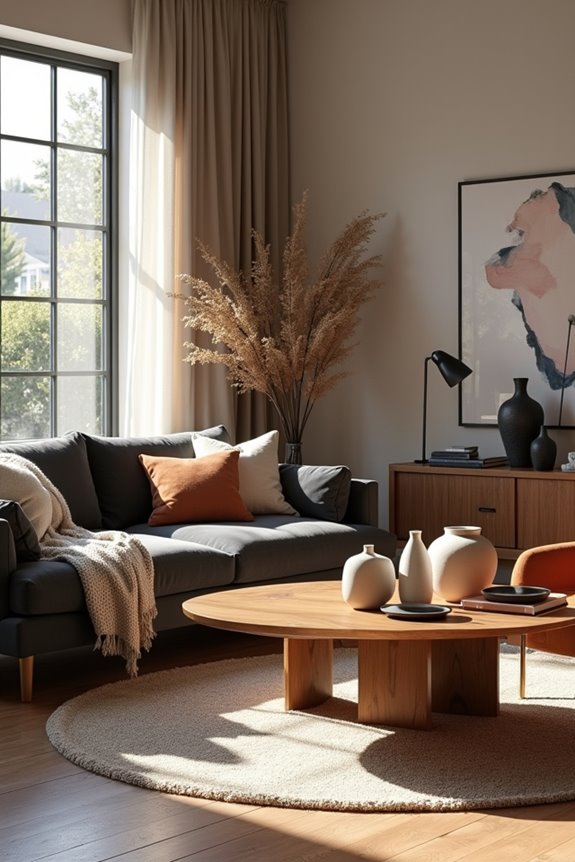
VisualizeAI’s the tool I reach for when I want serious control over what my room actually looks like. I start by uploading an image, sketch, or floor plan, then immerse myself in design prompts that let me add or exclude exactly what I’m picturing. Want to ditch those cabinet handles? I can do that. Need a specific style selection? Done. What I appreciate most is combining text prompts with style choices for AI living room decor that actually matches my vision. The render customization is genuinely unbeatable—I’m not guessing what I’ll get. Sure, it requires a paid plan after free initial prompts, but the control makes furniture visualization and room visualization feel less like gambling and more like designing with a partner who actually listens.
RoomsGPT: Fastest Full-Room Transformations
When I’m short on time but need to see my room redesigned, RoomsGPT’s where I land. The tool delivers two design iterations per prompt, so I get quick concept visualization without endless waiting. I upload a photo of my space, then reference specific designers like Nate Berkus to guide the AI Room Design process. What I value most? The speed. Within minutes, I’m reviewing multiple interior design AI options for comparison.
Sure, I’ve dealt with image size limitations—my first attempts sometimes didn’t work—but once I got that right, RoomsGPT delivered results. The retro UI feels straightforward, honestly refreshing compared to clunky competitors. For AI Living Room Decorators seeking fast visual inspiration with designer-backed style, this room design tool works well. I’m getting professional-looking iterations without fussing over granular details. That’s my preference.
HomeVisualizerAI: For Design Professionals & Perfectionists
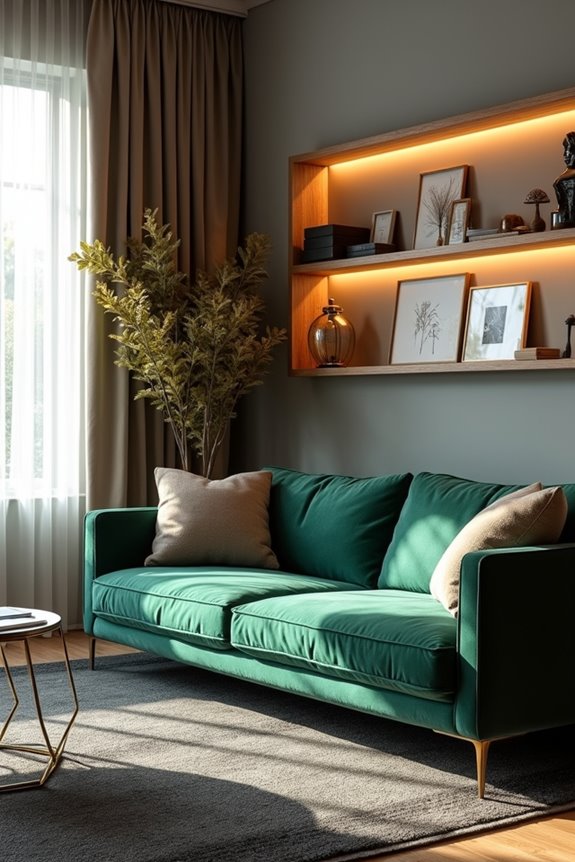
If you’re someone who wants pixel-perfect results and doesn’t mind spending time getting the details right, HomeVisualizerAI offers a more thorough approach than RoomsGPT’s quick-hit method. This AI interior design tool lets you input room type, style, and custom requests through detailed prompts alongside style selections. The inspiration image fusion feature allows you to guide renders toward specific aesthetics. The initial three renders are free, but the realism renders justify the cost for design professionals. The creative versus stay-close-to-original slider gives you control over output, and pairing it with Google Lens integration helps you source the products you’re seeing. It’s not the fastest tool, but it delivers precision for room visualization when you have a clear vision of what you want.
Prompting Techniques That Generate Studio-Quality Renders

Getting renders that belong in a design magazine starts with solid AI interior design prompts.
Pairing specific text prompts with designer references—such as “Nate Berkus-inspired”—creates professional-quality renders with clear direction. When I generate multiple iterations using VisualizeAI prompts, I can compare layouts before finalizing details.
My workflow begins with a base input like a floor plan, then adds refinement through iteration design prompts. I test both “stay close to original” and “creative prompt variants” to balance accurate replication with new approaches. Adding a room mood or moodboard maintains consistency throughout.
Style-guided rendering paired with high-fidelity interiors produces actual results—you’re building functional, professional spaces rather than just viewing renderings.